作者:nx4dm1n
稿费:300RMB(不服你也来投稿啊!)
投稿方式:发送邮件至linwei列出已经建立好的AVD,也就是模拟器
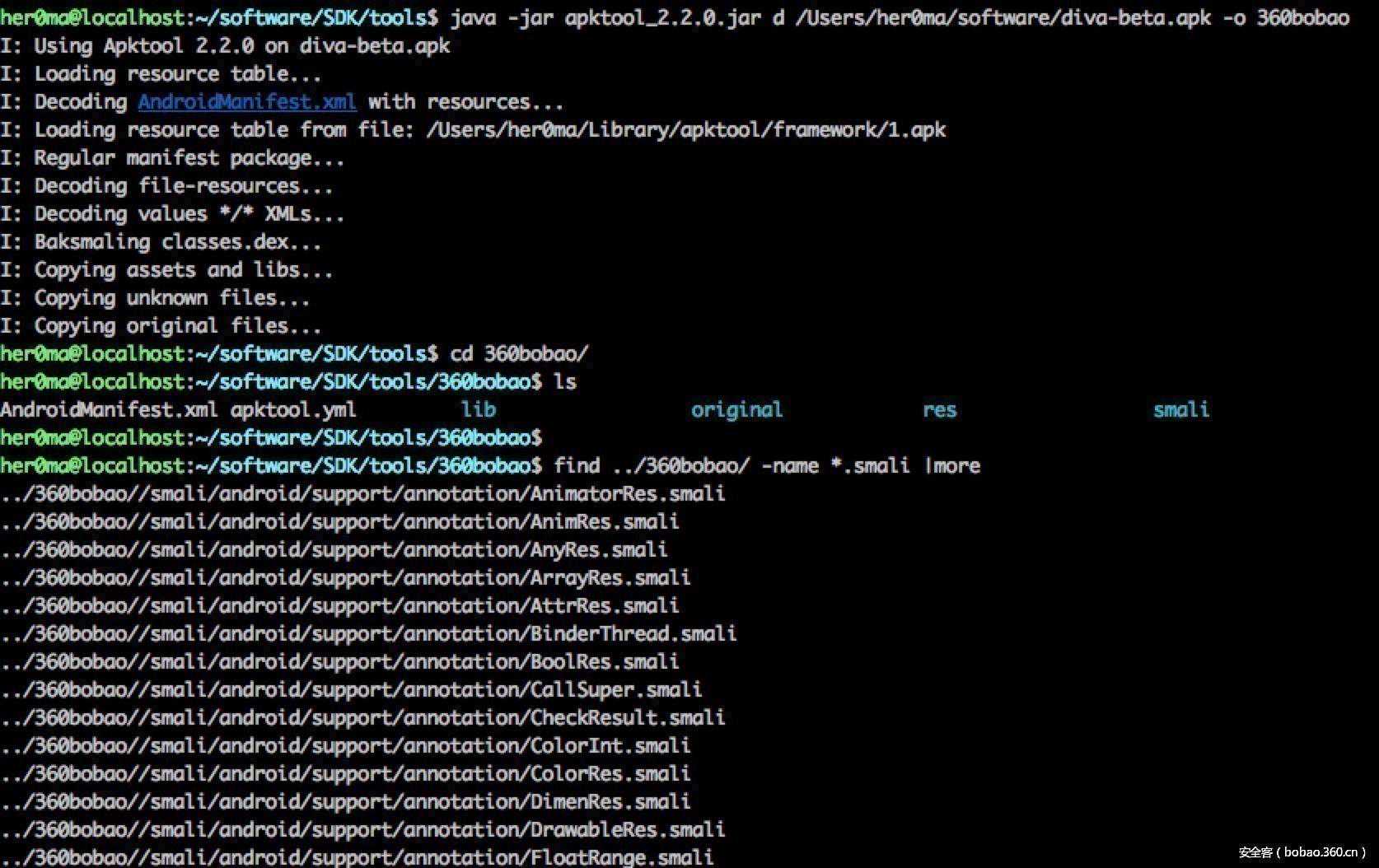
her0ma@localhost:~/software/SDK/tools$./emulator-list-avds
Nexus_4
Nexus_5X_API_19
Nexus_6
adbshell进入到模拟器的shell模式下
her0ma@localhost:~/software/SDK/platform-tools$./adbshell
cd/data/data/
root@generic_x86_64:/data/datals
cache
code_cache
databases
shared_prefs
root@generic_x86_64:/data/data//shared_prefs在配置文件中看到了app中用户输入的账号和密码。
root@generic_x86_64:/data/data//shared_prefs#_
?xmlversion='1.0'encoding='utf-8'standalone='yes'?
map
stringname="user"admin/string
stringname="password"admin/string
/map
另外一种不安全的数据库存储,是将用户的敏感信息存储到本地的数据库中,一般app对应的数据库目录:
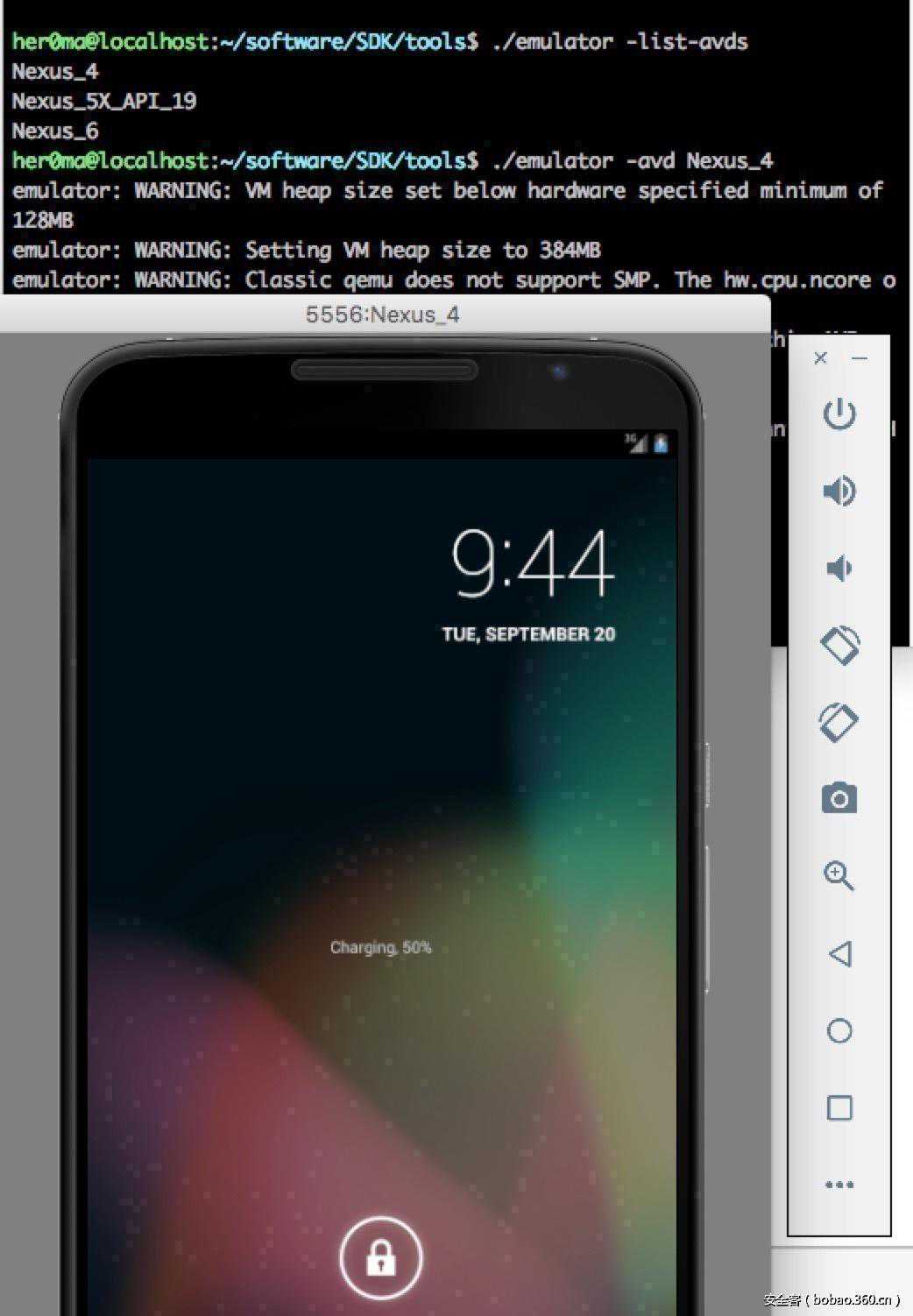
/data/data/apppackagename/databases,本例中是:/data/data//databases,如图先在4中保存一下数据:
1
2
3
4
5
6
7
8
9
10
11
12
13
adbpull将模拟器中的文件拉倒本地
her0ma@localhost:~/software/SDK/platform-tools$./adbpull/data/data//databases/ids2/Users/her0ma/software/
[100%]/data/data//databases/ids2
用sqlite3数据库打开,可以查看到用户存储的敏感数据
her0ma@localhost:~/software$fileids2
ids2:
her0ma@localhost:~/software$sqlite3ids2
:17:19
Enter".help"forusagehints.
android_metadatamyuser
sqliteselect*frommyuser;
zhangsan|p@ssw0rd
对应的漏洞文件代码片段如下:
1
2
3
4
5
6
7
8
9
10
11
12
13
14
15
16
17
18
19
20
publicvoidsaveCredentials(ViewparamView)
{
paramView=(EditText)findViewById(2131493003);
EditTextlocalEditText=(EditText)findViewById(2131493004);
//将用户提交的数据保存在了数据库中
try
{
("INSERTINTOmyuserVALUES('"+().toString()+"','"+().toString()+"');");
();
(this,"3rdpartycredentialssavedsuccessfully!",0).show();
return;
}
catch(ExceptionparamView)
{
for(;;)
{
("Diva","Erroroccurredwhileinsertingintodatabase:"+());
}
}
}
还有一种不安全的数据存储,是将数据存储在临时文件或者sd卡中,看对应的漏洞文件分别是、的相关代码片段如图:
存储在临时文件中,

存储在sd卡中,漏洞代码片段: